Manga, manhwa and manhua in one app: instant page turns, chapters you can read offline, a library that keeps your place in every series, and a community of readers.
Version 1.4.0 · 17 MB · Android 7.0+ · no account needed
Kuro is for Android. On an iPhone? Send this page to an Android phone.
Instant page turns
Read offline
250,000+titles to discover
30+chapter sources
2reading modes
17 MBquick to download
Features
Built for reading, not for ads
Reader
A reader that feels instant
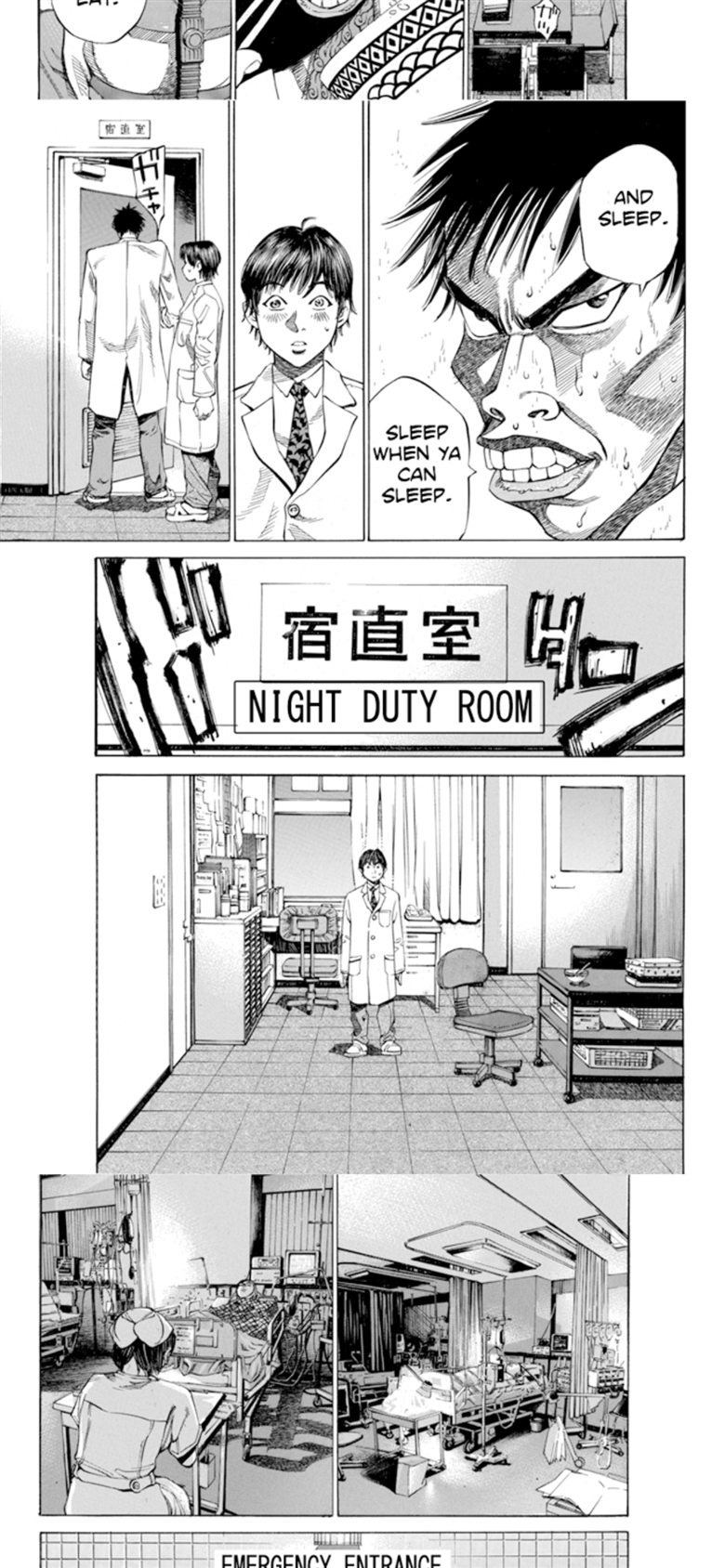
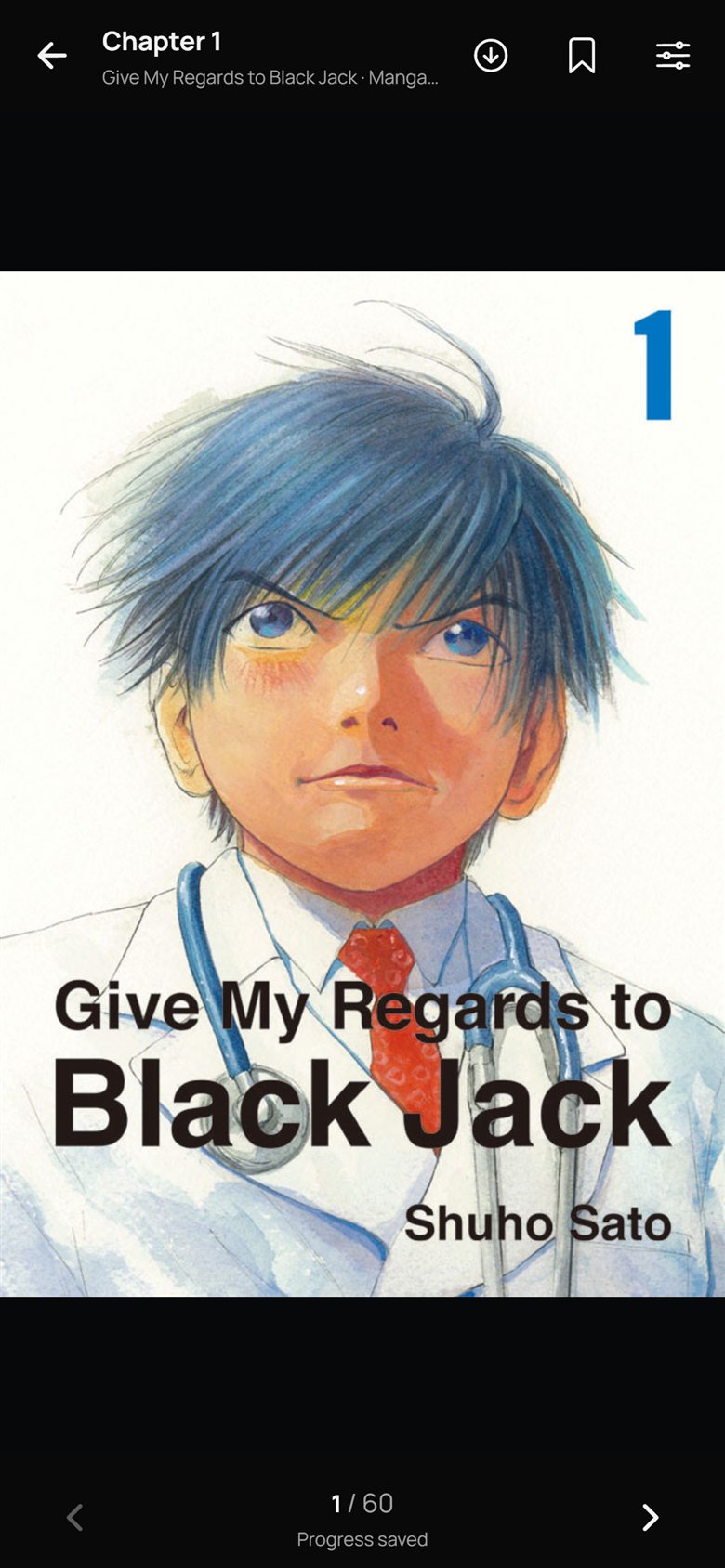
No loading between pages: the next ones are already there, and the next chapter loads before you reach it. Pinch to zoom anywhere on a page, like in your gallery. Tap the sides to turn, the middle for controls.
Page by page or vertical scroll
Original or data-saver quality
Jump to any page, bookmark any page
Manhwa & webtoons
Scroll the way it's meant to be read
Webtoons open in vertical scroll. The bars slide away as you read, a tap on the right moves you down, and reaching the bottom opens the next chapter by itself.
Auto next chapter
Bars hide while you scroll
Comments and likes at the end of each chapter
Discover
Find your next obsession
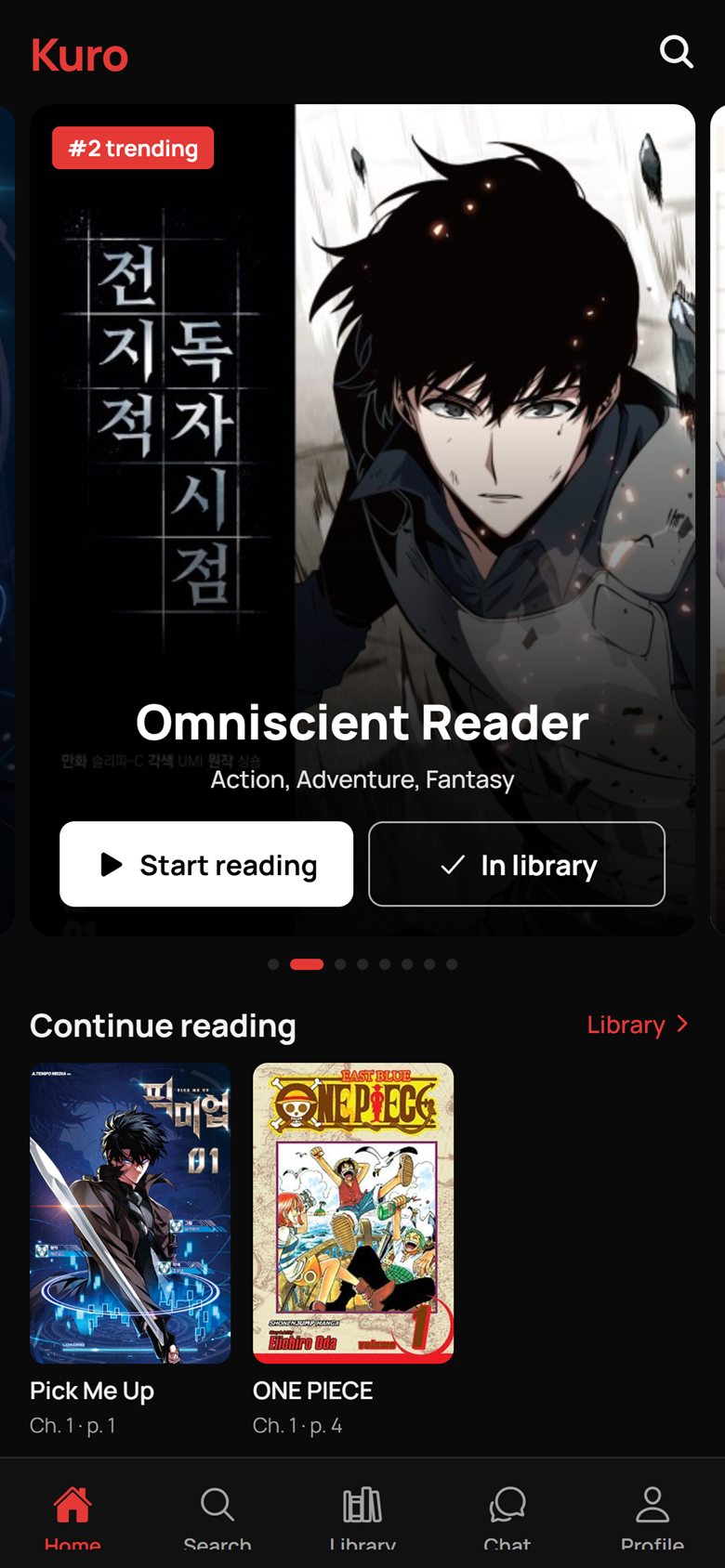
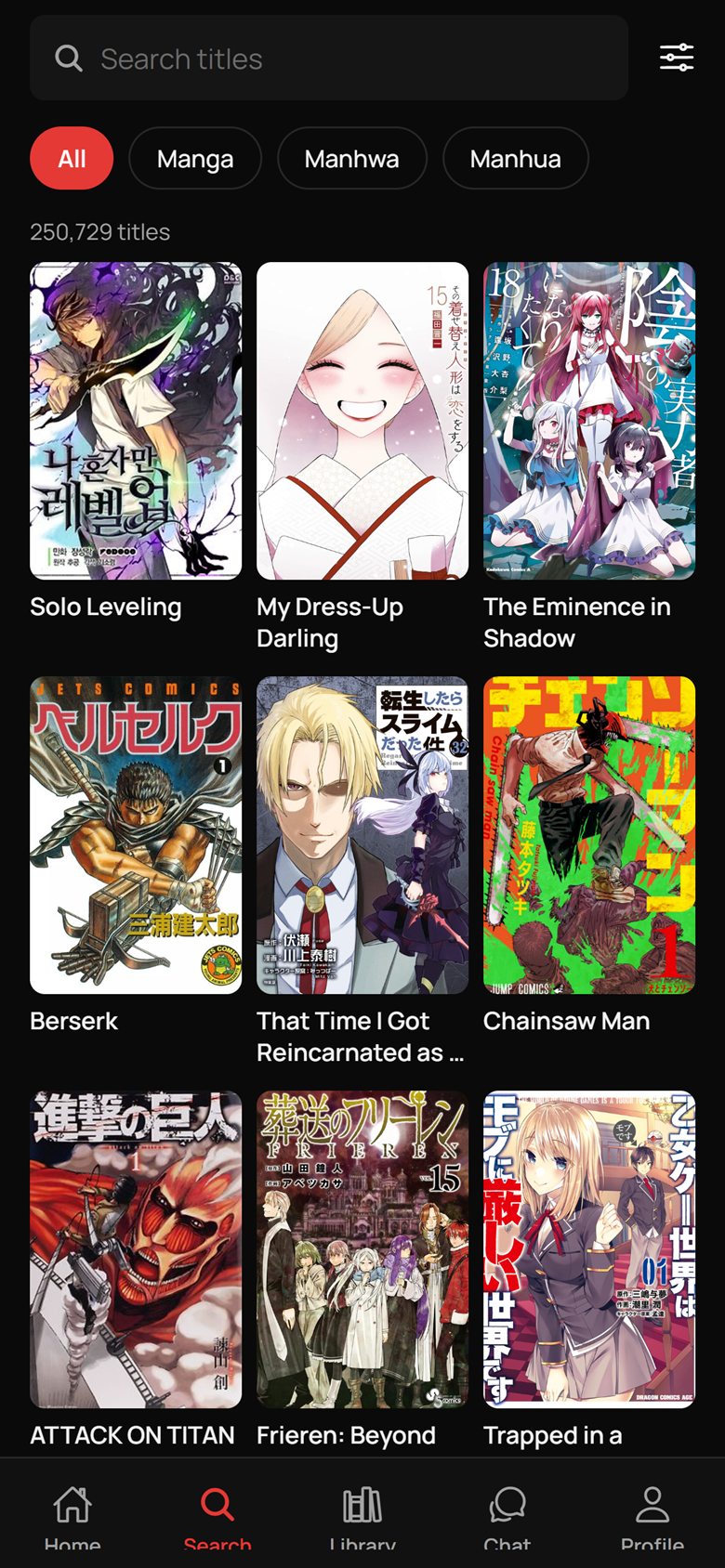
Trending titles, all-time favorites, top manhwa, romance and new releases on the home screen, and search across 250,000+ titles by any spelling, with genre and type filters.
Chapters from several sources, picked for you
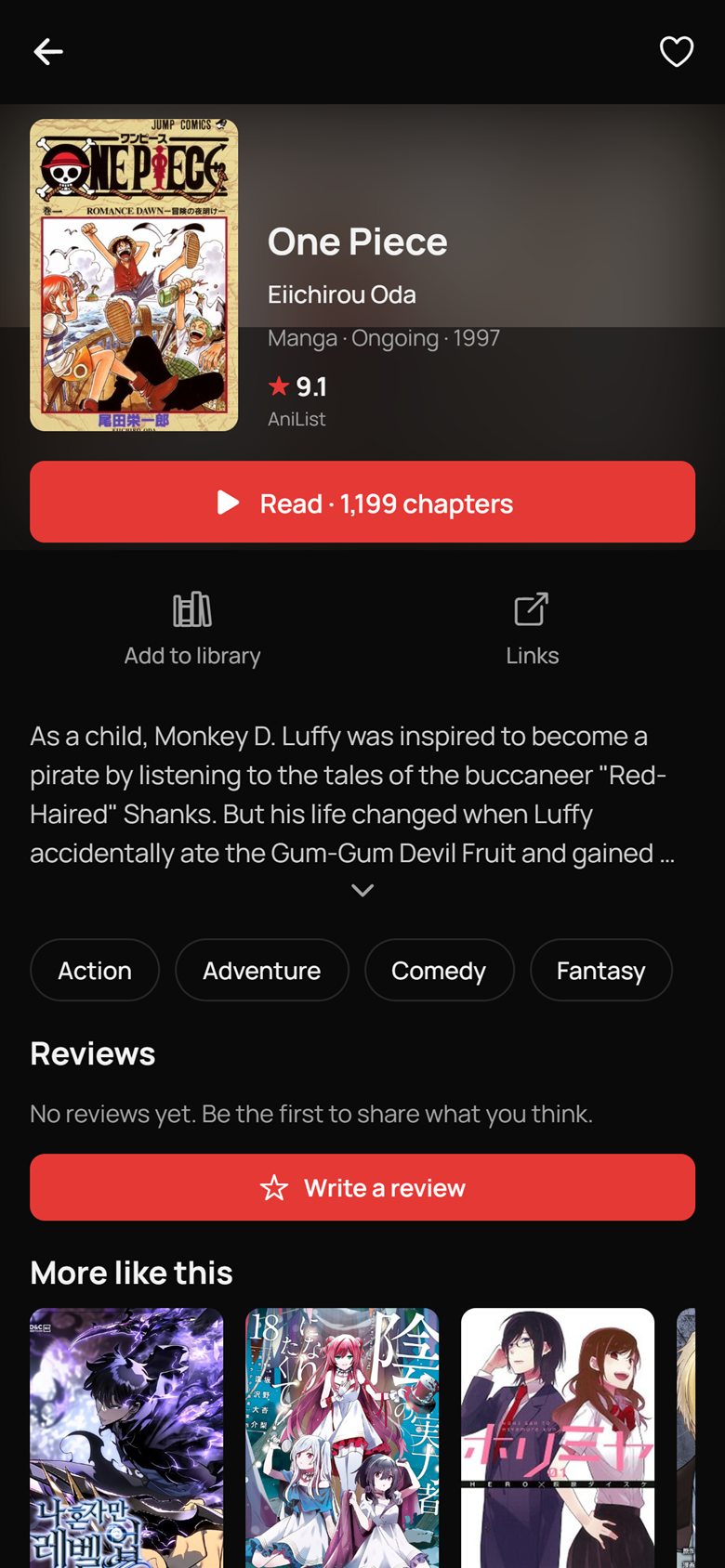
Ratings, reviews and "More like this"
Switch source yourself any time
Library
Your shelf, online or off
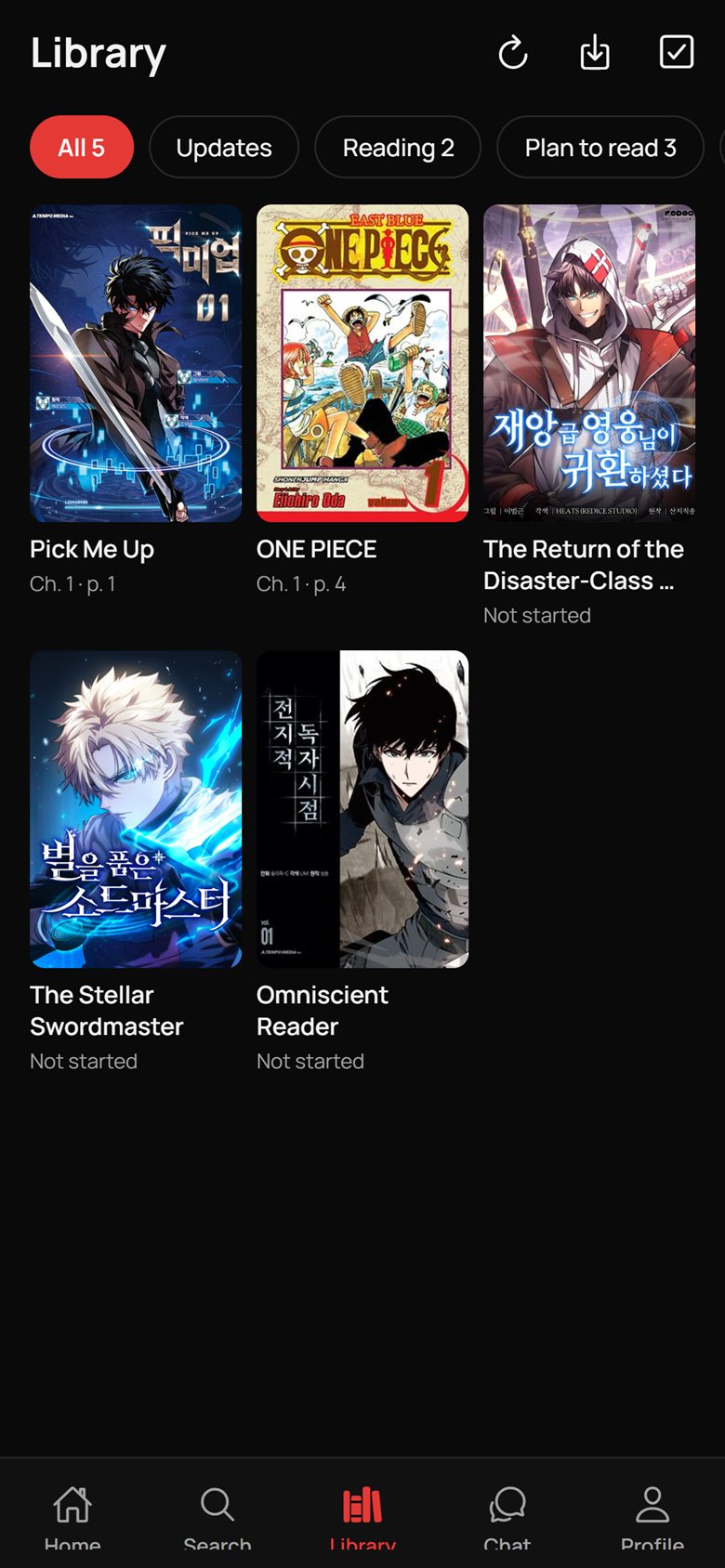
Follow every series you read, pick up on the exact page, and see new chapters in Updates. Download the next 1, 5 or 10 chapters (or all of them) and read on the plane.
Reading, planned, completed lists
Download queue you can cancel
Export your library any time
Community
Read together
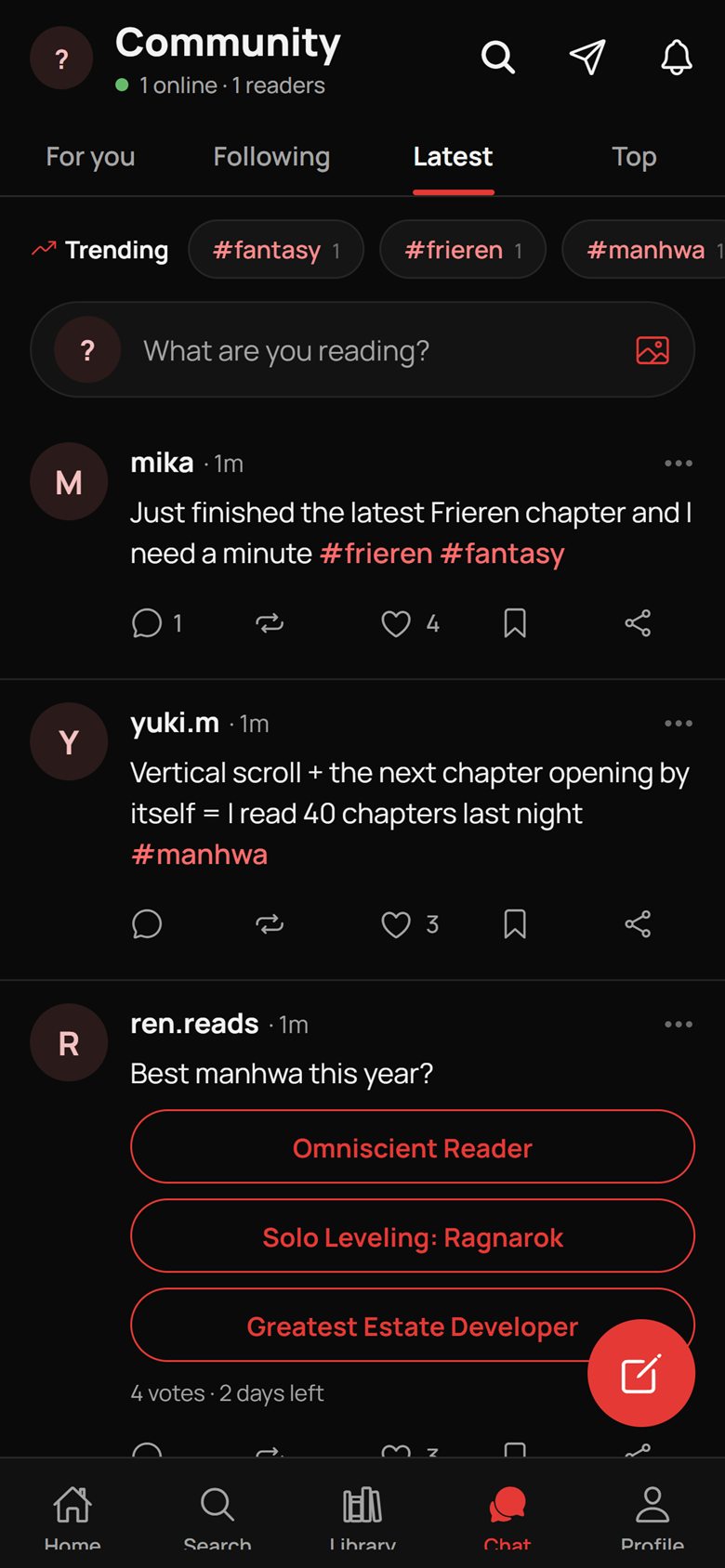
Share what you're reading, run polls, follow hashtags and other readers, and chat in private messages. Supporters get a gold crown next to their name.
For you, Following, Latest and Top feeds
Photos, quotes, reposts and polls
Private messages with photos
Trailer
25 seconds of Kuro
The whole app at a glance: discovery, the reader, manhwa, the library and the community.
All in the app
Everything in Kuro
Huge catalogManga, manhwa and manhua from AniList, MangaBaka and MangaDex.
Search that finds itAny title or other spelling, genres, types and sorting.
Many chapter sourcesKuro picks the source with the most chapters, or you choose.
Two reading modesPage by page or vertical scroll, with quality and zoom settings.
Pinch to zoomAnywhere on the page, double-tap to reset.
Next chapter, readyLoaded early, opens the moment you finish.
Progress and bookmarksYour page saves as you read.
New chapter updatesSee what's new in everything you follow.
Offline downloadsNext 1, 5, 10, unread or all, in one queue.
ReviewsRate and review every title.
Community feedPosts, photos, hashtags, polls, quotes and reposts.
Chapter commentsLike a chapter and talk about it, spoilers marked.
Private messagesOne-to-one chats with photos and replies.
Your profileUsername, picture, banner, bio and favorites.
Supporter crownBack Kuro on Patreon, get the gold crown.
Safe by default18+ stays hidden unless you confirm you're 18+.
Install
On your phone in a minute
Kuro isn't on the Play Store, so Android asks you to allow the install once.
1
Download
Tap Download for Android. If your browser asks, choose Download anyway.
2
Open the file
Open kuro.apk from the notification or your Downloads, and allow Install unknown apps for your browser if asked.
3
Install and read
Tap Install, then Open. Kuro tells you inside the app when a new version is out.
Scan with your Android phone
Point your phone's camera at the code to download Kuro.
Yes. Every chapter is free and there are no ads. Readers who want to help pay for the servers can pledge on Patreon and get a gold crown next to their name. That's optional.
Does it work on iPhone?
Not yet. Kuro is for Android phones and tablets running Android 7.0 or newer.
Why does Android warn me about the file?
Android shows that warning for every app that doesn't come from the Play Store. Only download Kuro from this page, so you always get the real app.
Do I need an account?
No. Your library and reading progress stay on your phone. Pick a username only if you want to post in the community, and add a password if you want your account on another phone.
How do updates work?
When a new version is out, Kuro tells you when you open it. Download it and install over the old app: your library, downloads and account stay.